Pocket by pocket
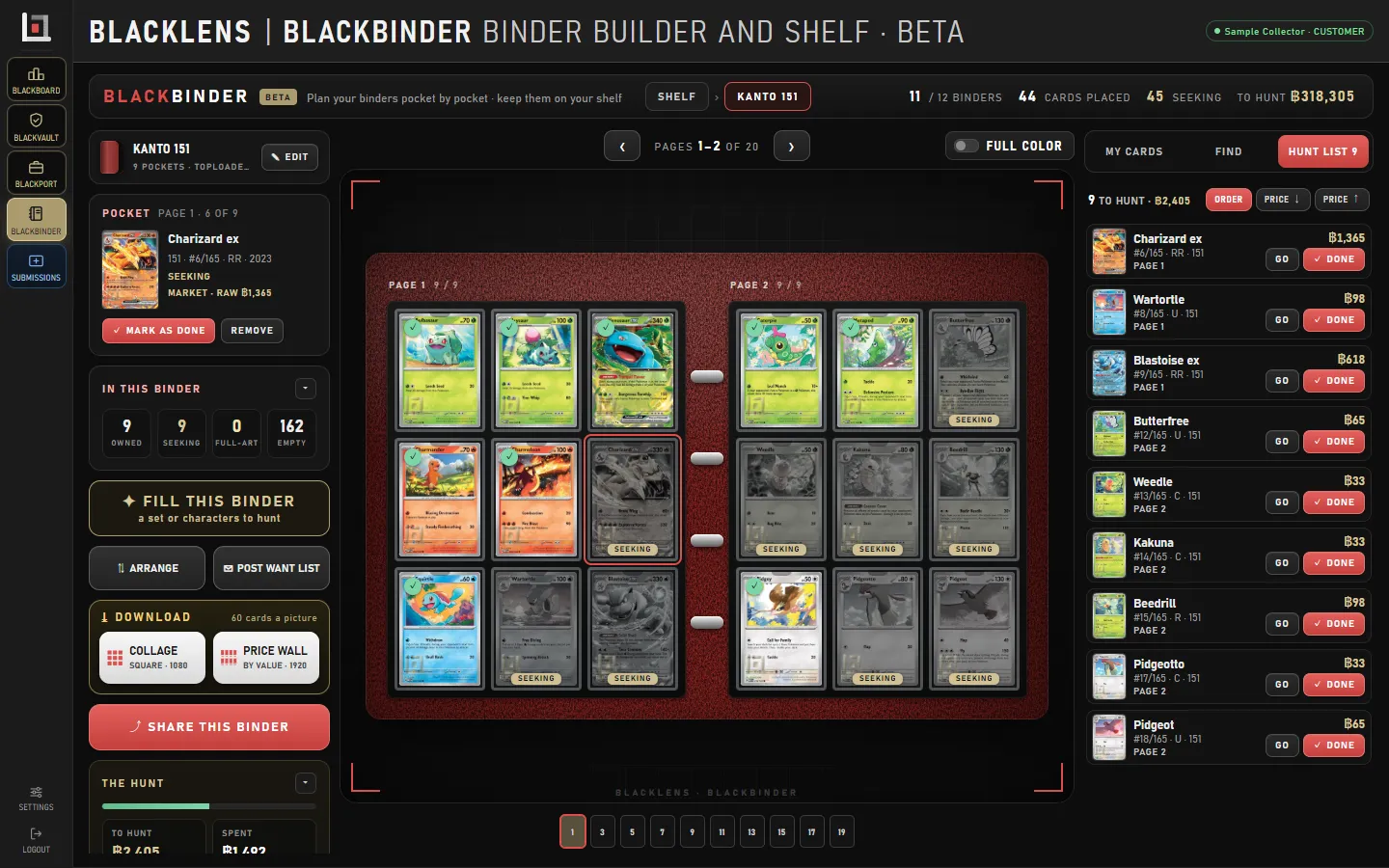
Choose the page size, the pocket and the colours. Each pocket holds a card you own or a card you are still looking for.
HomeBLACKLENSBLACKBINDER
The BLACKLENS binder
Plan a binder pocket by pocket, fill it with a whole set or a character, and see what is still out there to hunt — then share it with one link.
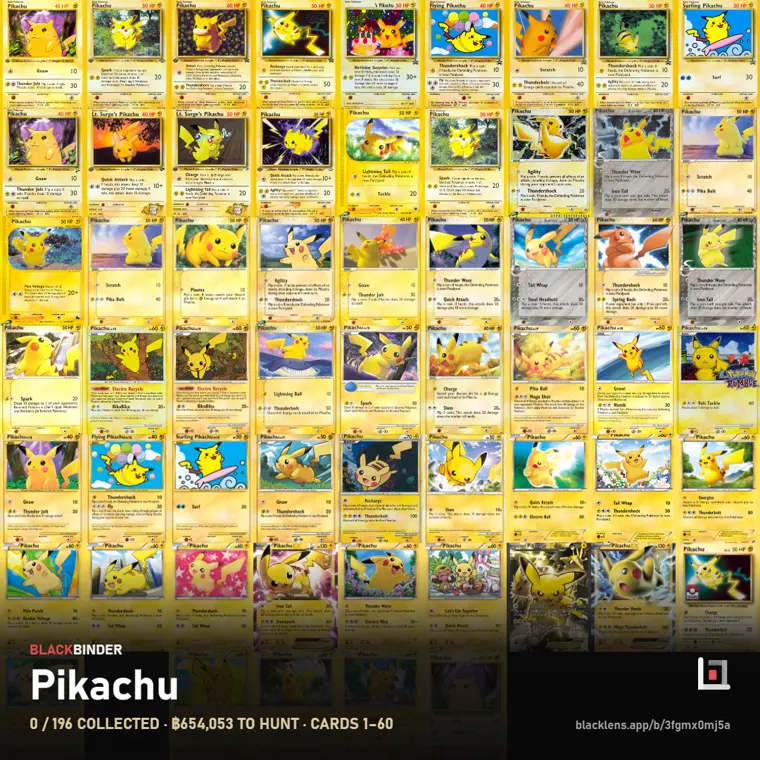
Choose the page size, the pocket and the colours. Each pocket holds a card you own or a card you are still looking for.
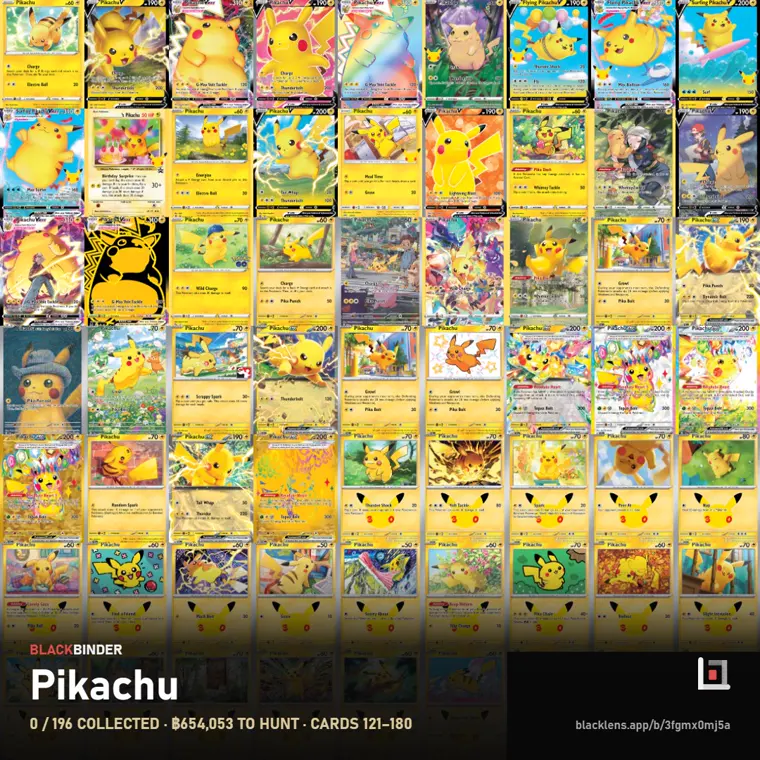
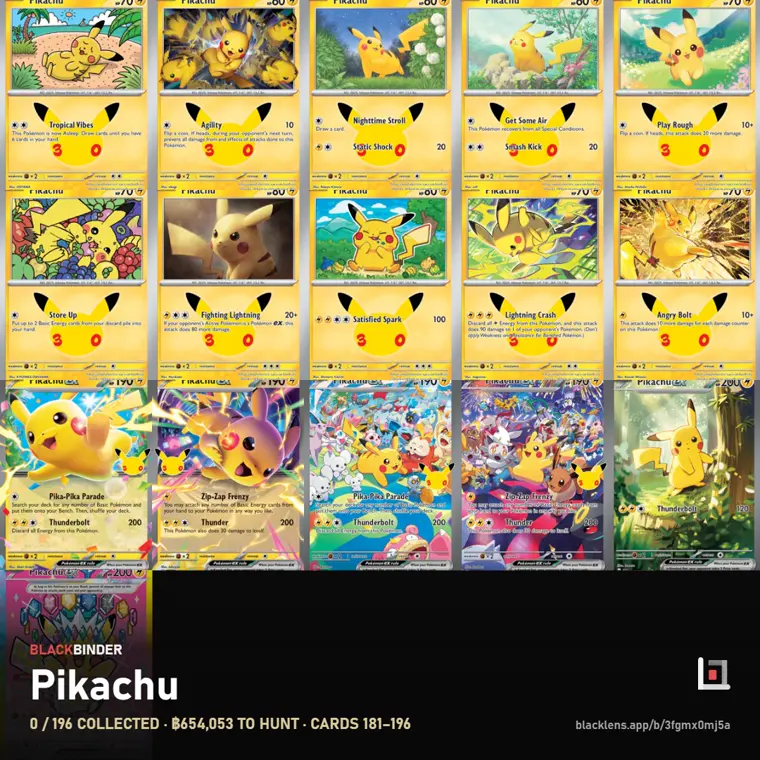
FILL BINDER takes a whole set or a character’s cards, and you add them one by one or all at once.
A printing held in BLACKPORT shows the same estimate here. A card reads FOUND once your portfolio holds it.
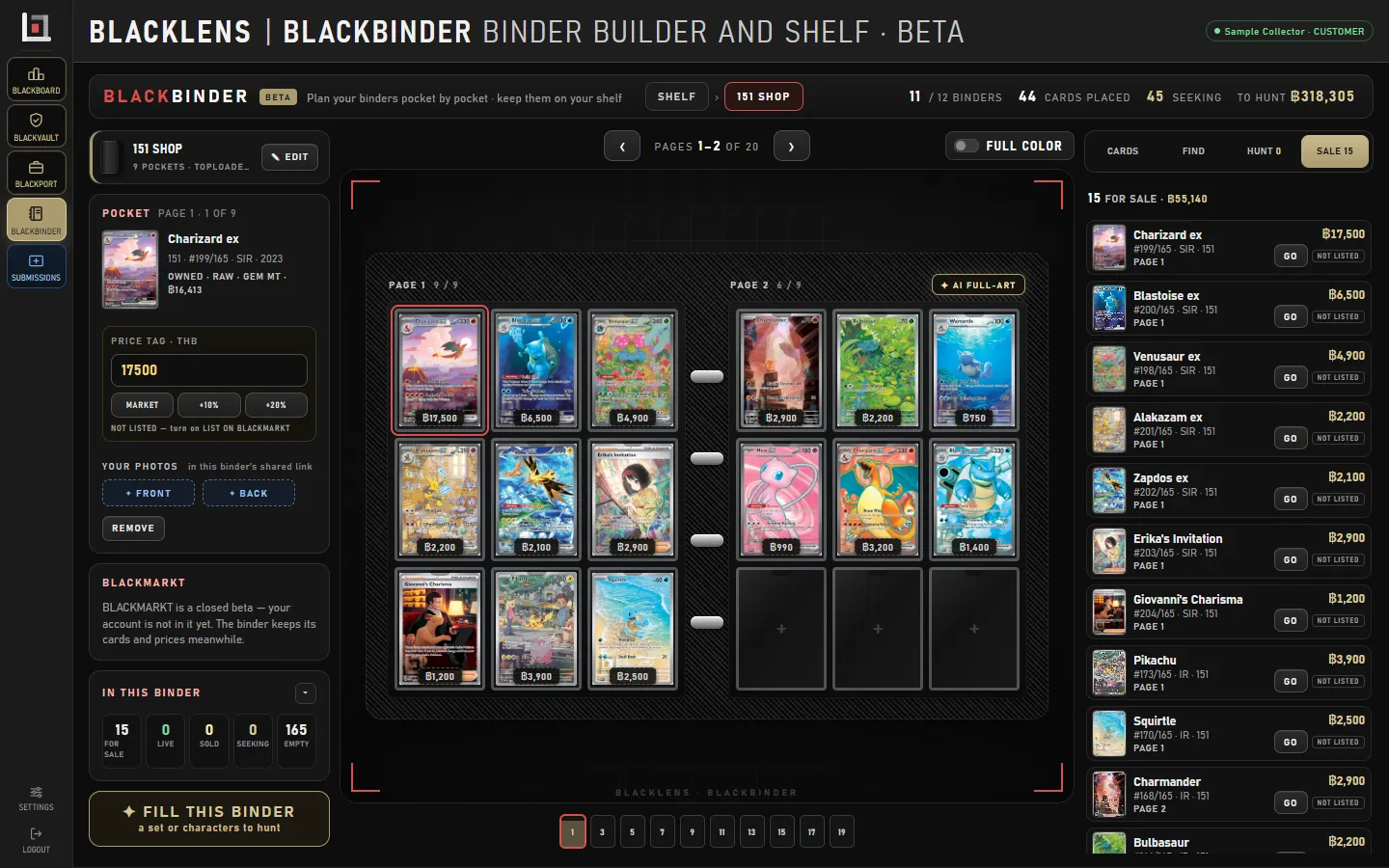
A collector’s shelf for what you keep, and a merchant’s shelf with price tags for what you sell.
Shelf styles, your own room photo, and AI scenery painted around your cards. The AI paints scenery only and never receives your cards.
Anyone with the link can see the binder, on any phone or computer. It never shows what you paid.
The real app, with a sample collection. The cards and figures are examples.
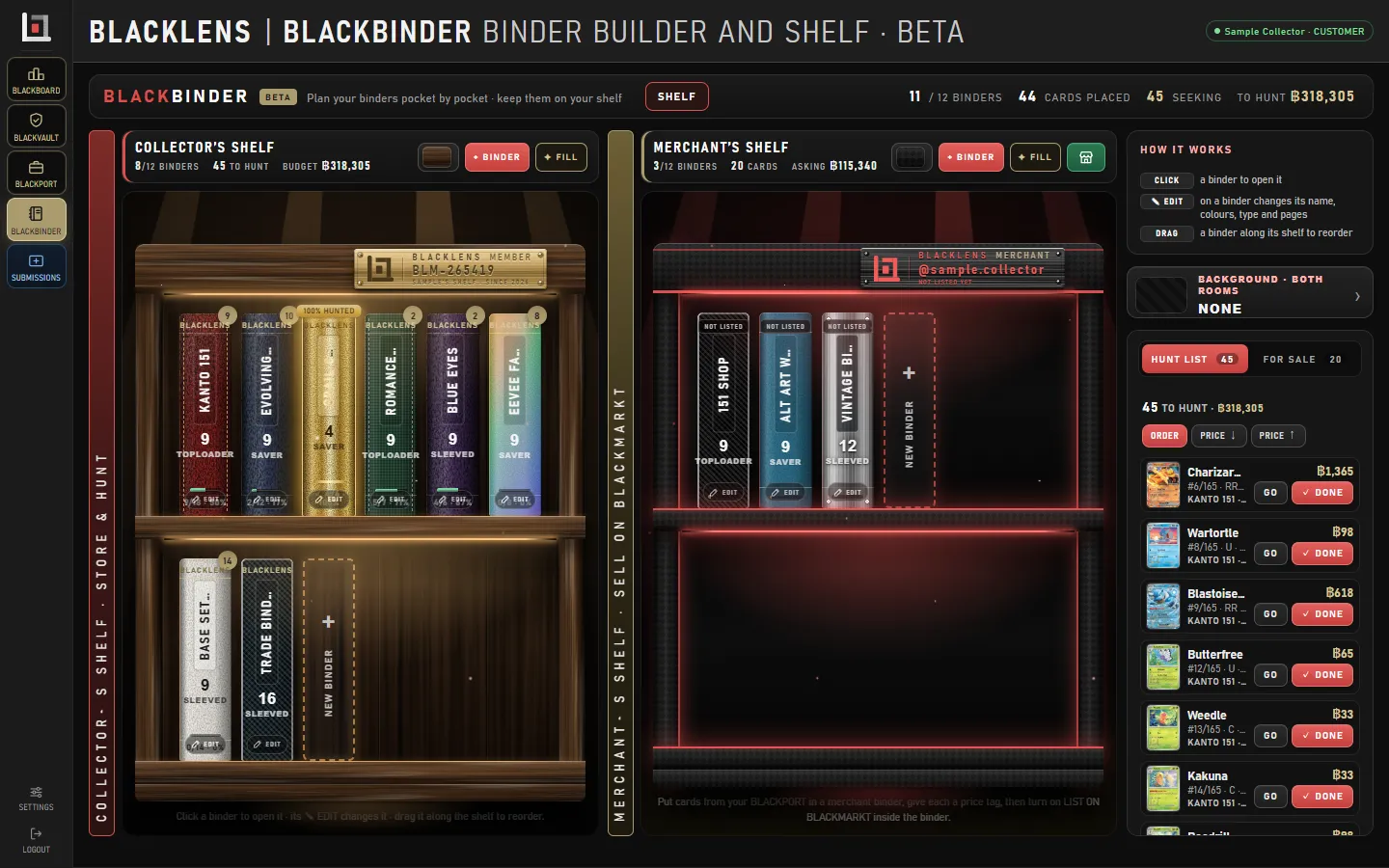
Every binder stands on a shelf: the collector’s shelf for what you keep, the merchant’s shelf for what you sell. Add a binder, or open one.
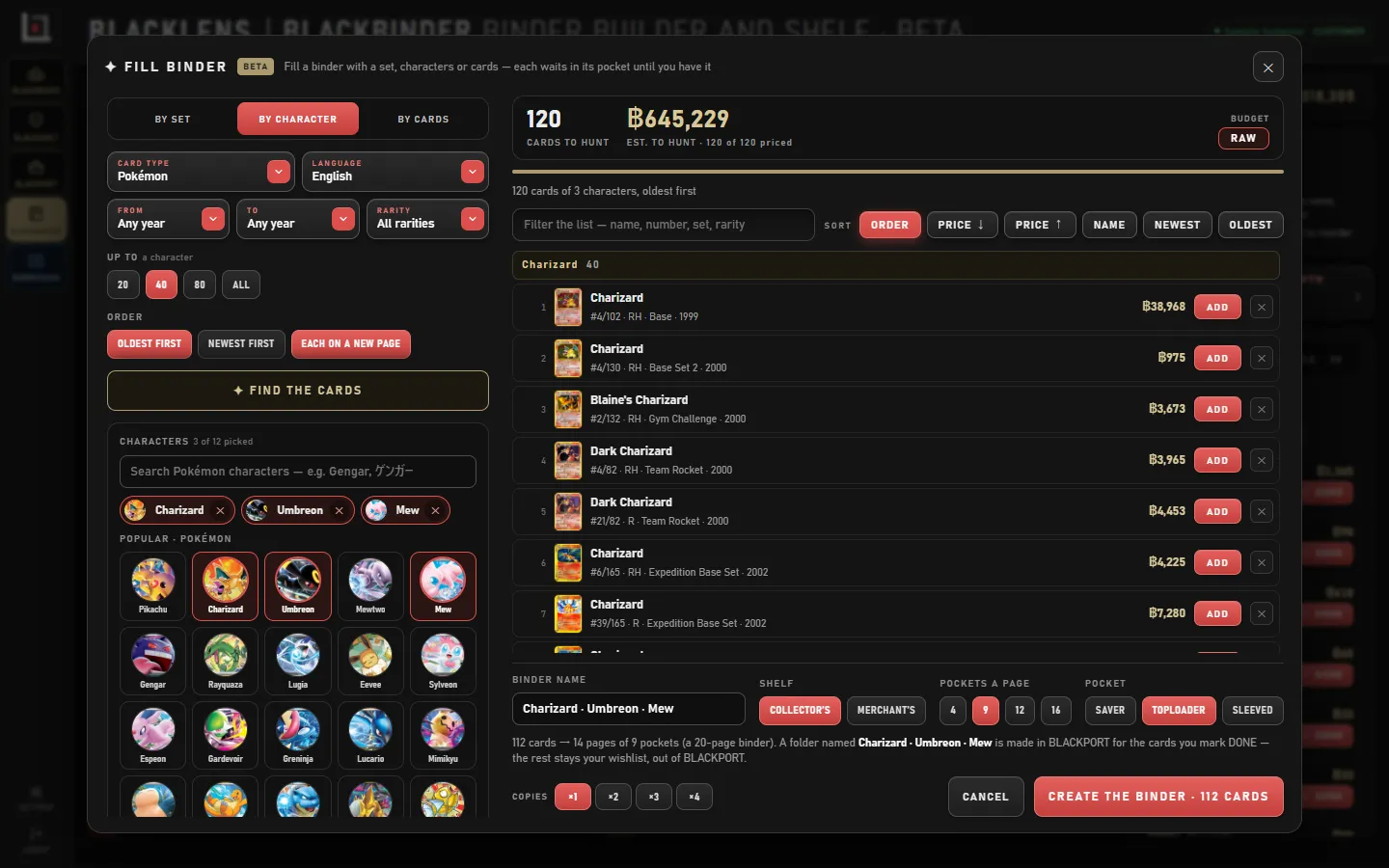
FILL BINDER takes a set, characters or a list of cards. See how many there are and what they would cost to hunt, then choose the pockets and create the binder.
The cards you own are in colour. The ones you are still seeking are grey, listed beside the page with their market estimates. Press DONE as you find each one.
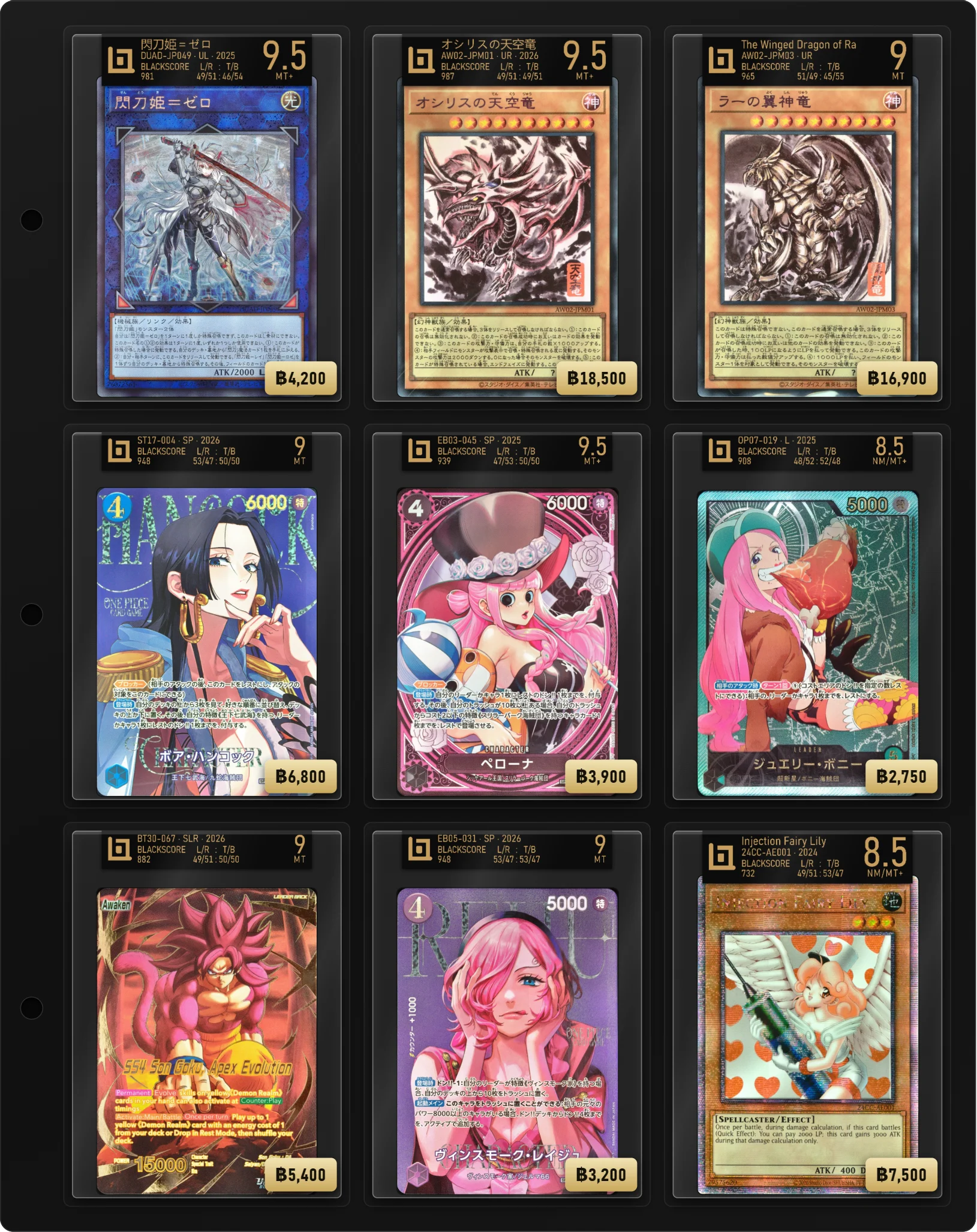
On the merchant’s shelf each pocket carries its price tag. Share the binder with one link, and it works as your shop window.
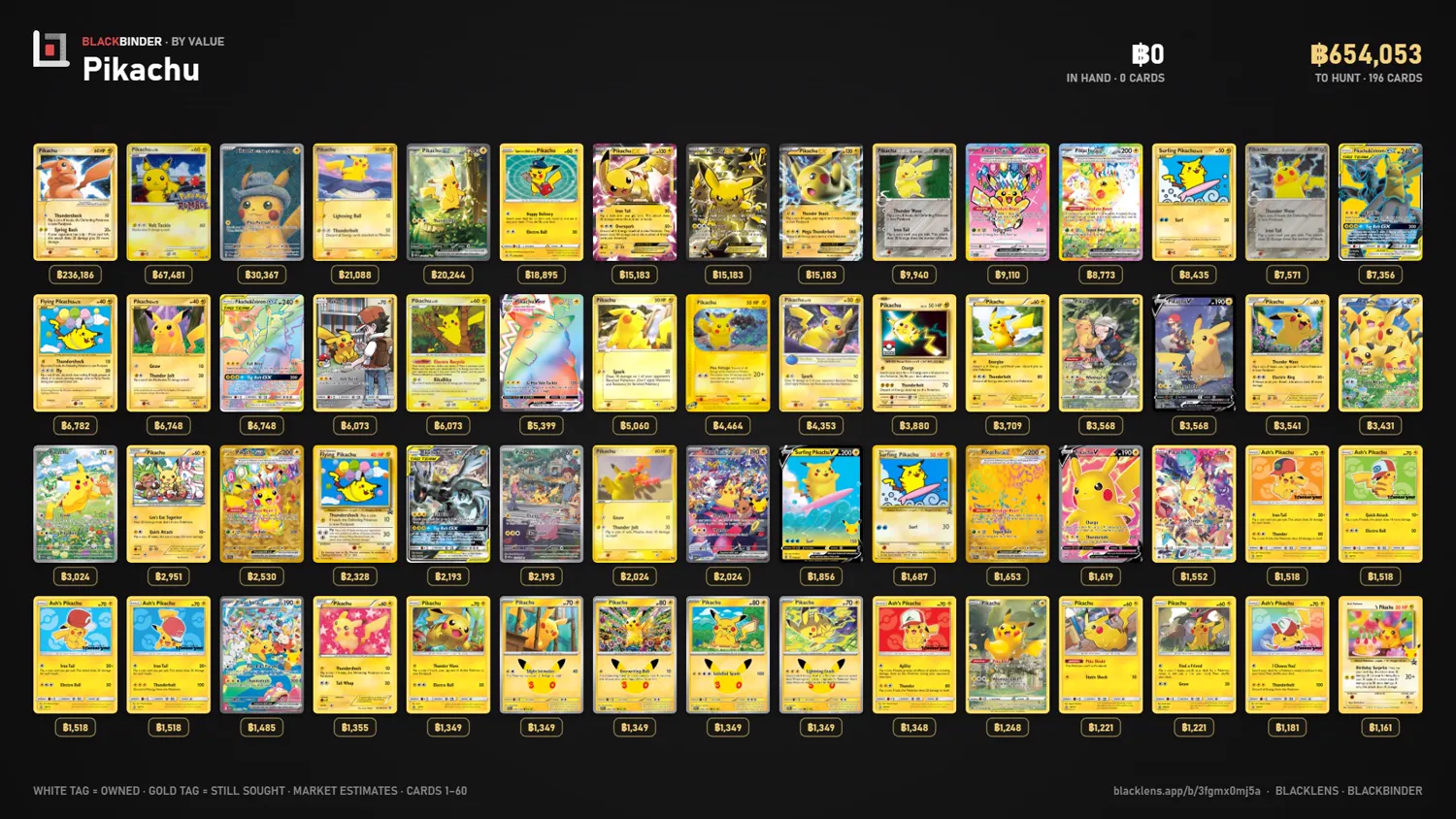
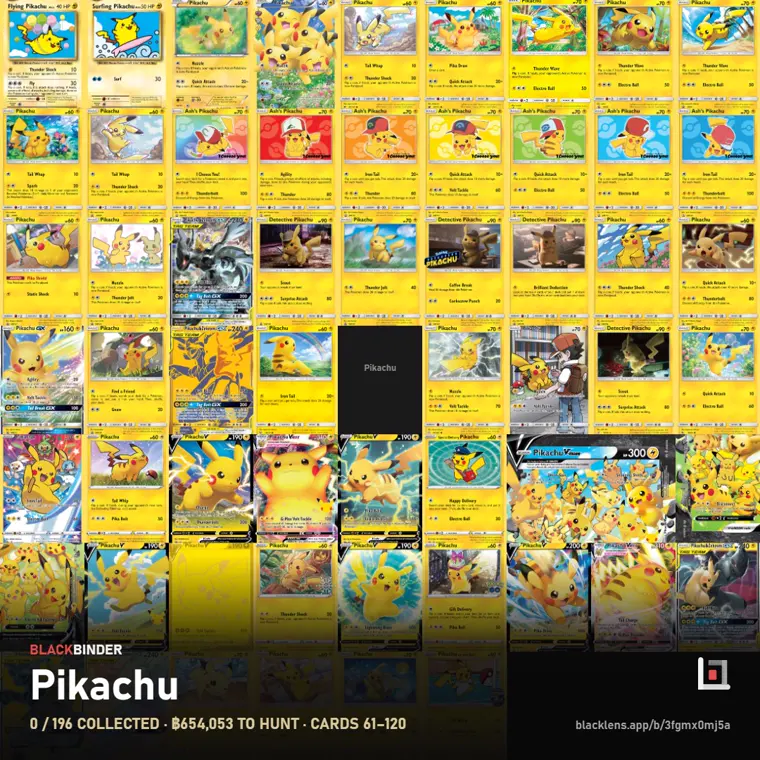
Share the whole hunt as a price wall, card by card, or as a square picture for your feed.
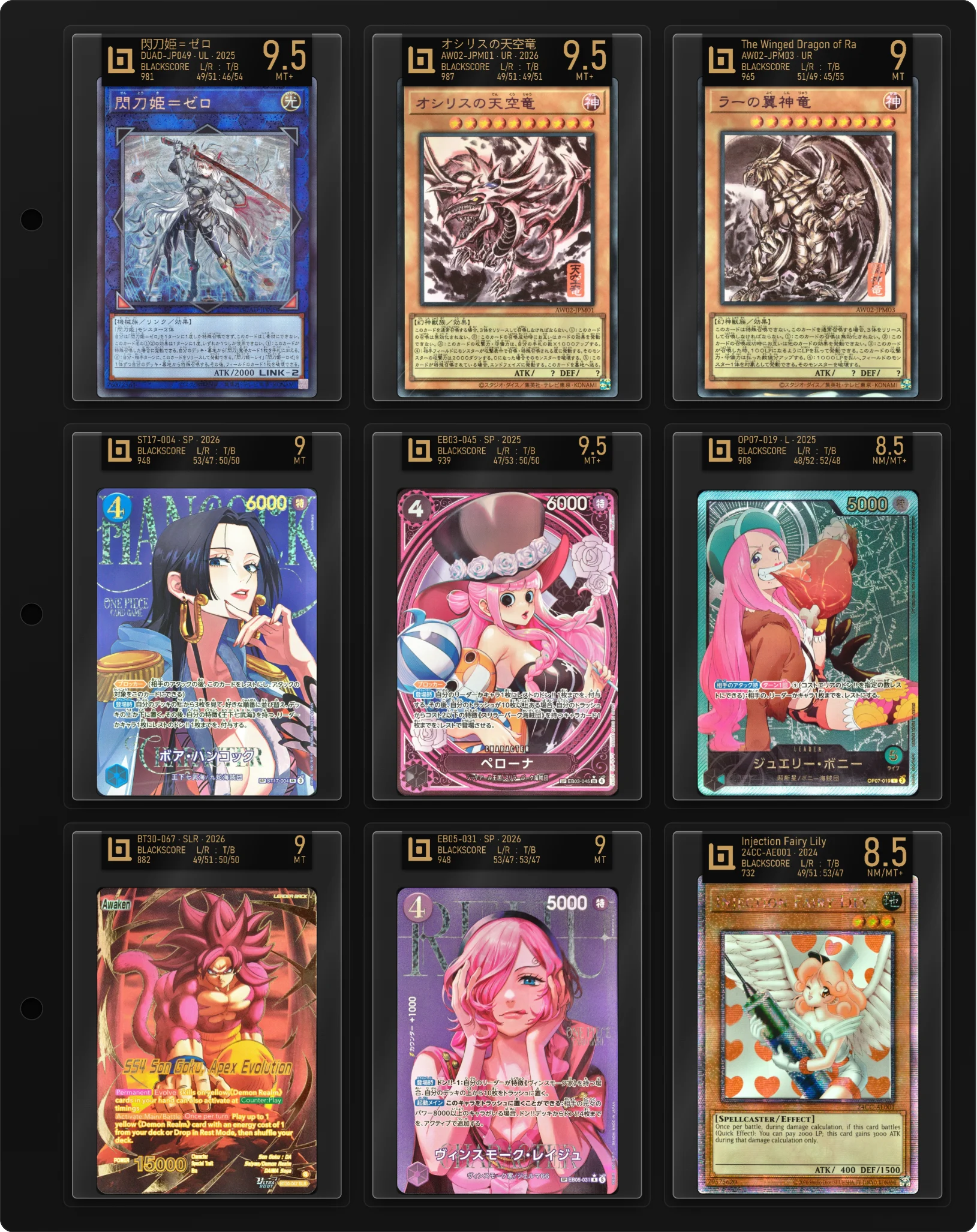
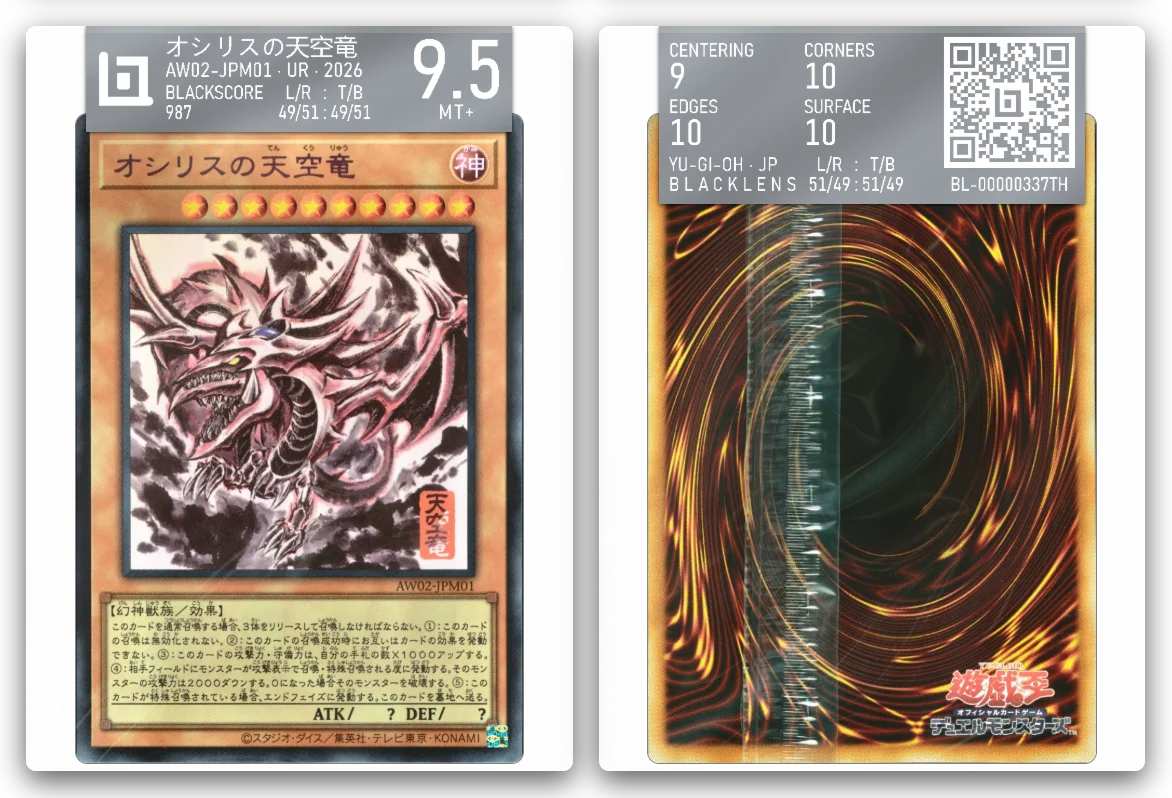
Plan it on screen, then fill the real one. A toploader fits about 80% of binders, so a pre-graded card slides straight in, with its label in BLACK · GOLD, SILVER · WHITE or WHITE · BLACK showing the card, its BLACKSCORE, its centering and its grade.
BLACKBINDER is free with a BLACKLENS account.