Summary
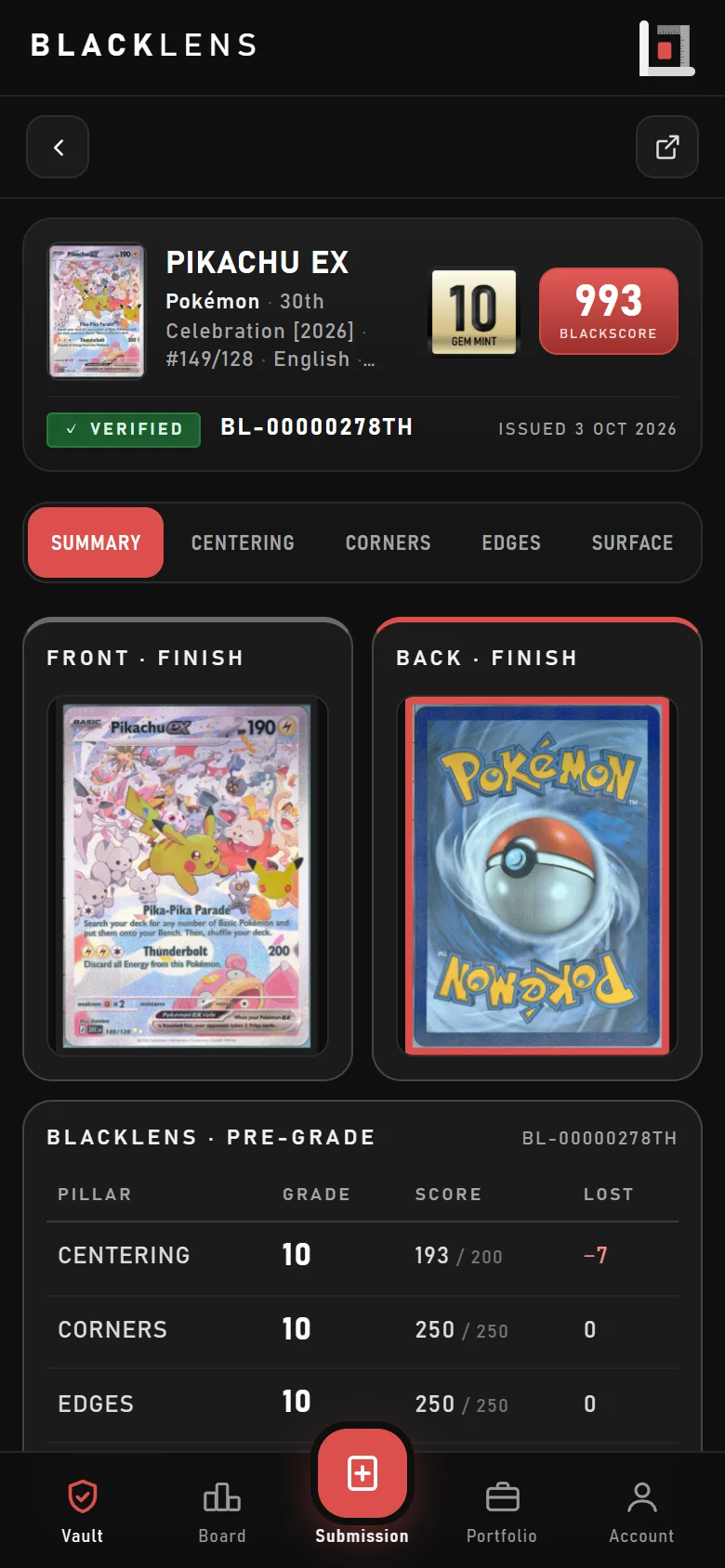
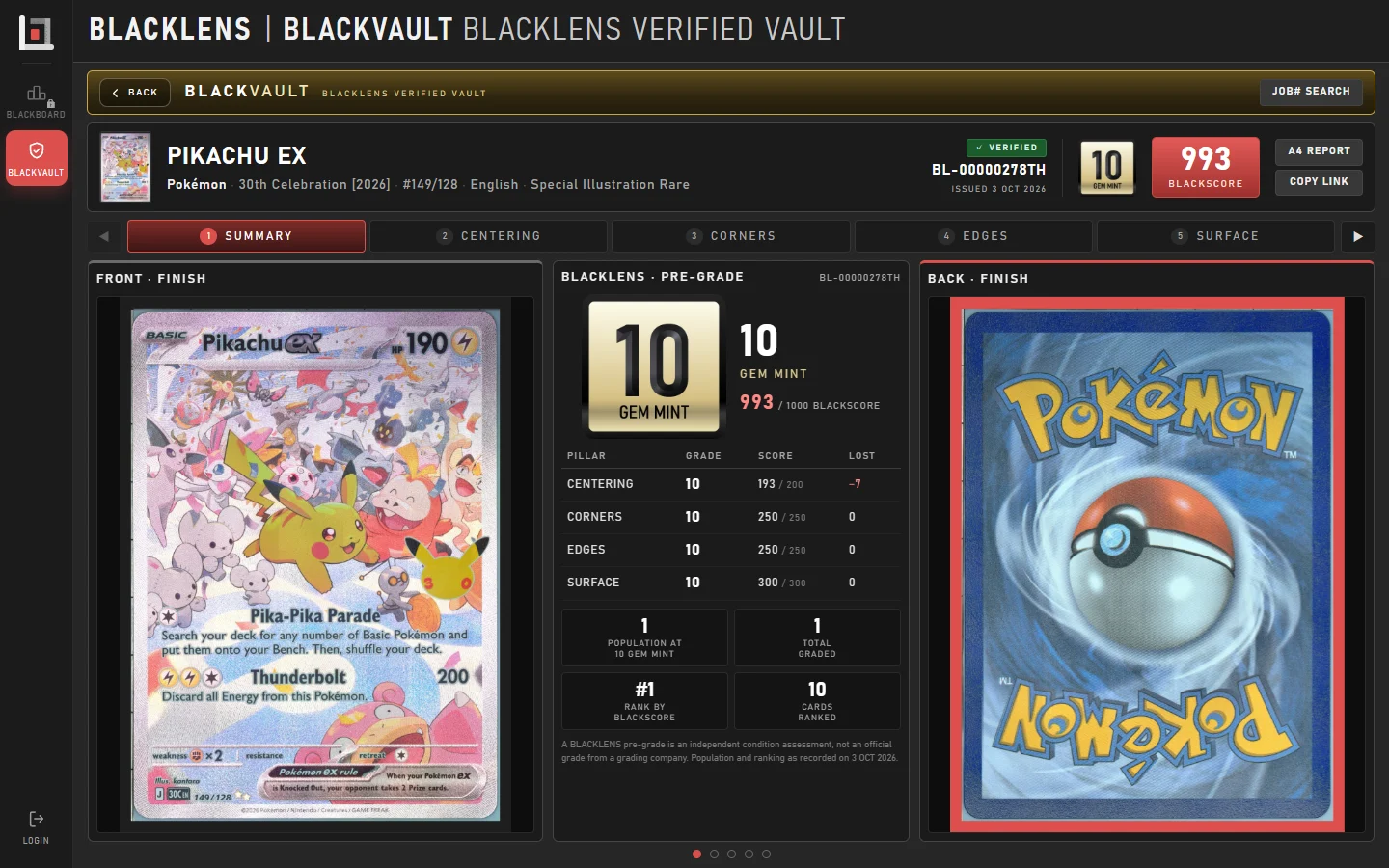
The grade, the BLACKSCORE, the points lost per pillar, the card’s population and its gem rate.
HomeBLACKLENSBLACKVAULT
The BLACKLENS verified vault
BLACKVAULT holds every report BLACKLENS publishes. Scan the QR on a label or key in the Job#: the grade, the BLACKSCORE and every measurement behind them open on any phone or computer — no account needed.
Or point your phone’s camera at the QR on the label.
Swipe through them on a phone or step through them on a computer — every picture zooms to 1200%.
The grade, the BLACKSCORE, the points lost per pillar, the card’s population and its gem rate.
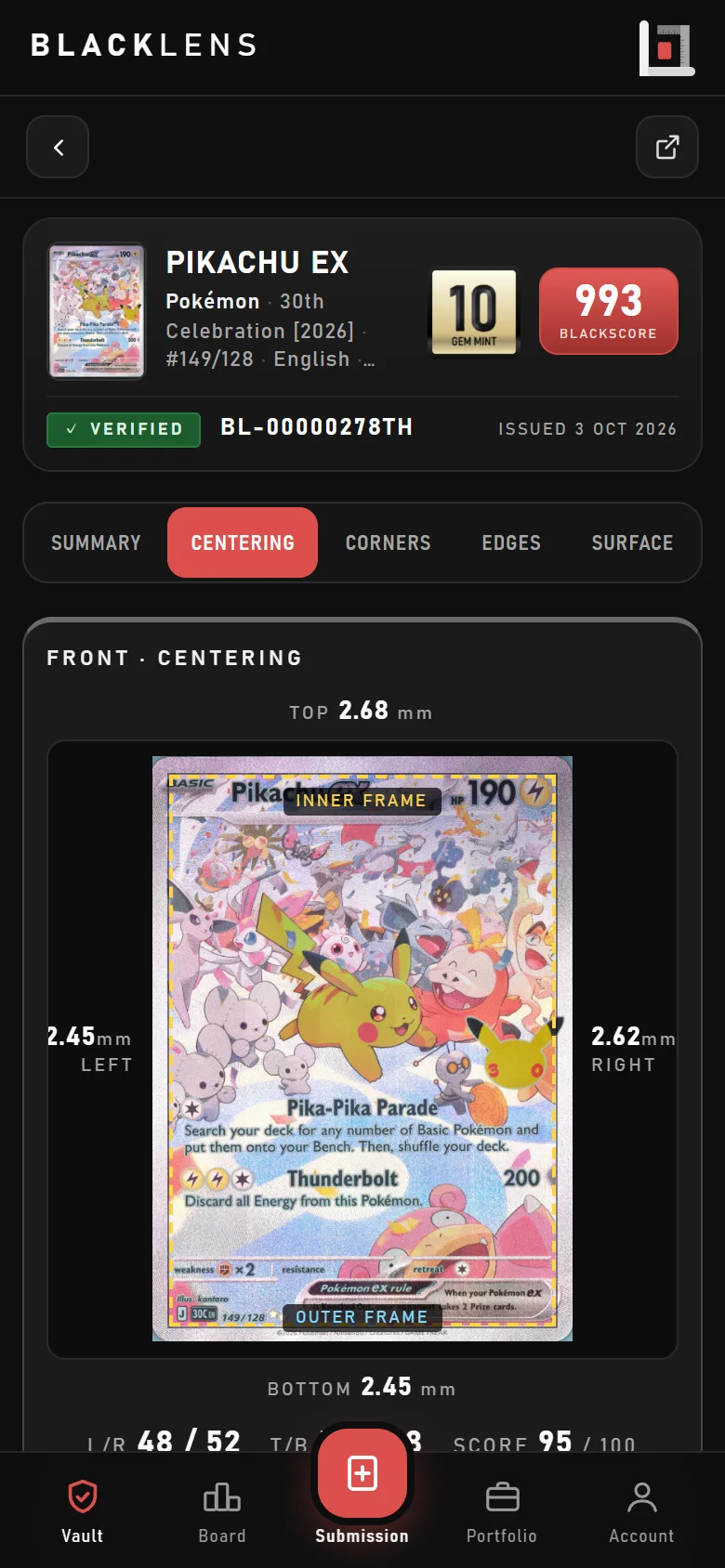
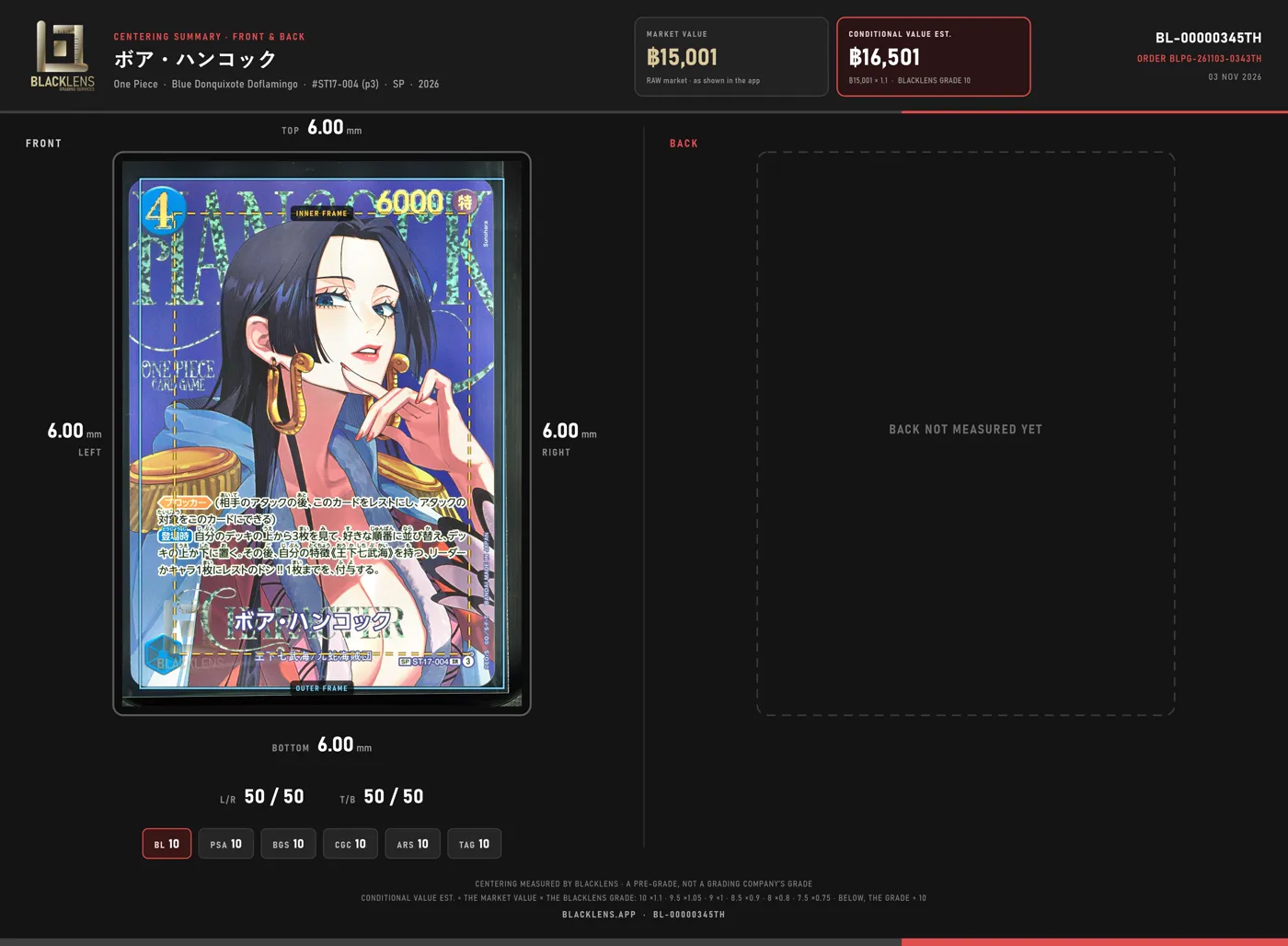
The card cropped to its edge with the printed frame drawn in, the four borders in millimetres, both faces.
All four corners of each face, magnified, with their measured angles.
Every edge as a full-length strip, front and back.
The defect map: each flaw numbered on the card, with its class, the points it took and its own picture.
When the card comes back from a grading company through BLACKLENS, its grade and certificate sit beside the pre-grade.
Check a card before you pay: compare the scans in the report with the card in front of you, corner by corner.
Let the report do the talking — the QR on the label shows exactly what was measured.
Your card’s record stays open behind its QR. Reports show the card, never the owner’s name.
No account, no app — just the Job# or the QR.